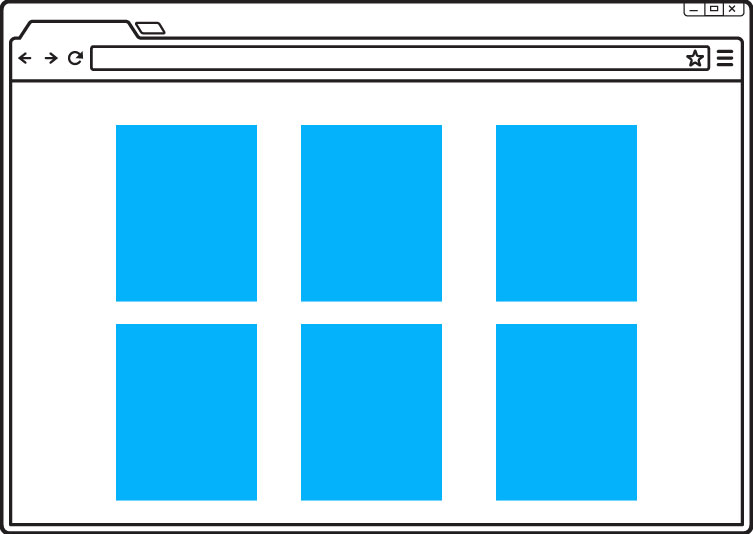
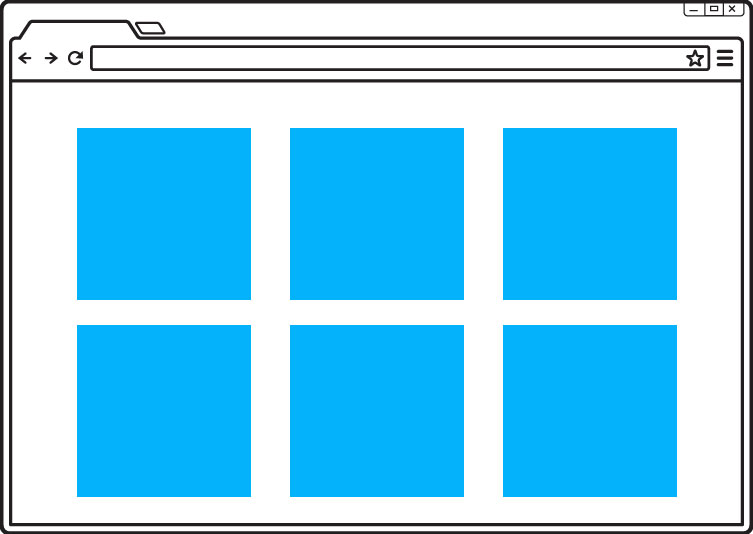
Your site will look better if your images are the same size. If you wish to do this, below you will find some suggested sizes.
Etix box office states that images are required to have a minimum 400 px height and 400px width. The images have a maximum height of 1200 px and width of 1200 px.
The preferred image file type is .jpg. The preferred image maximum file size is 600kb.
Image size affects the overall performance (speed) of your website, especially for visitors using mobile devices. When creating images for your website, always consider the mobile user first.The larger the file size the more it will impact the speed at which your website loads.
THE RECOMMENDED MAX FILE UPLOAD SIZE IS 600kb.
If you cannot reduce the file size yourself, there are many free online programs that will do it for you. Below are two options.
There are only two types of image files that you need to concern yourself with as a Rockhouse Partners website administrator: JPEG and PNG. There are other image types that are gaining in popularity, like WebP, but they are not fully supported in all browsers yet.
.jpg/.jpeg This is the preferred file type for images and the only one that should be used for most images.
.png use this file type ONLY if you have any transparency in the image.