API Event is not showing on site due to API hanging
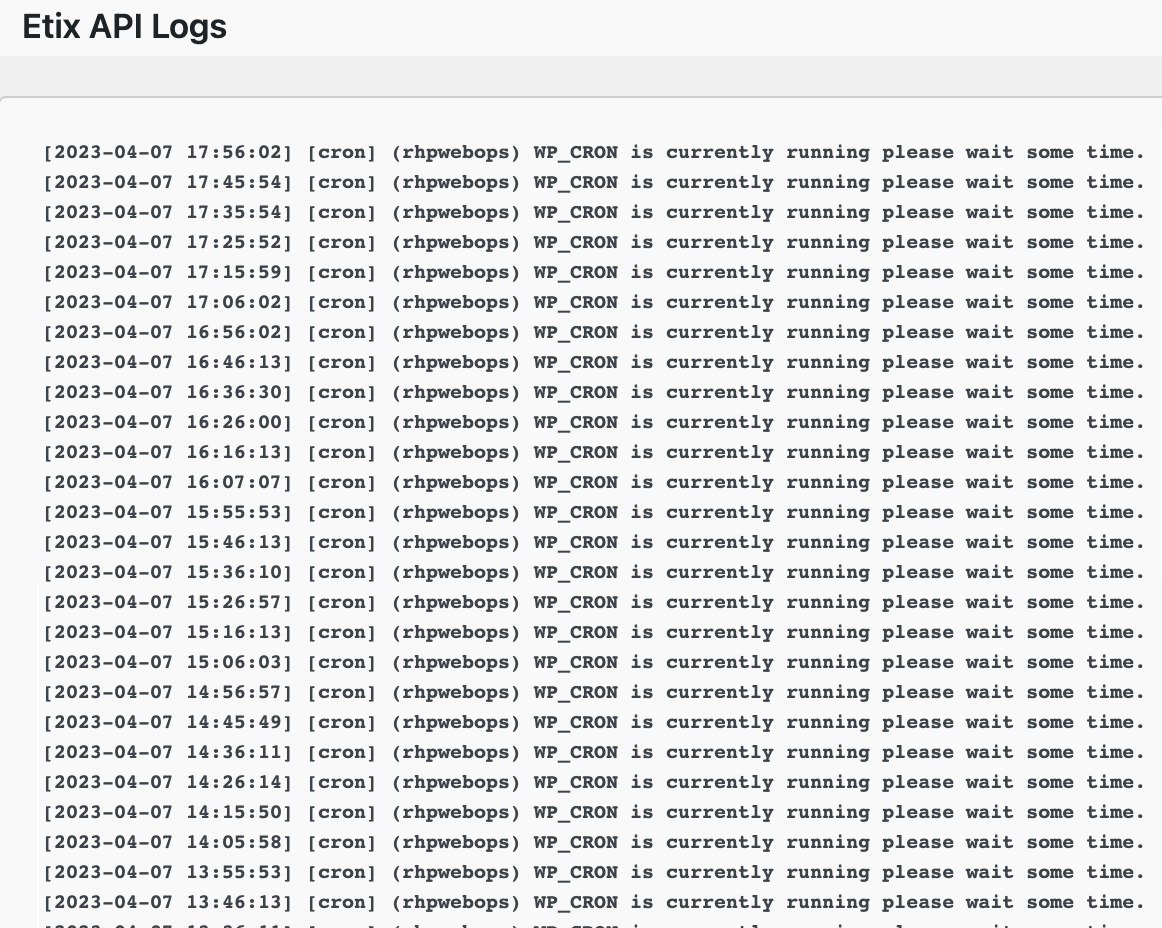
When looking at your log file from the Event Log Tab and you see the api NOT syncing properly please take the following steps….
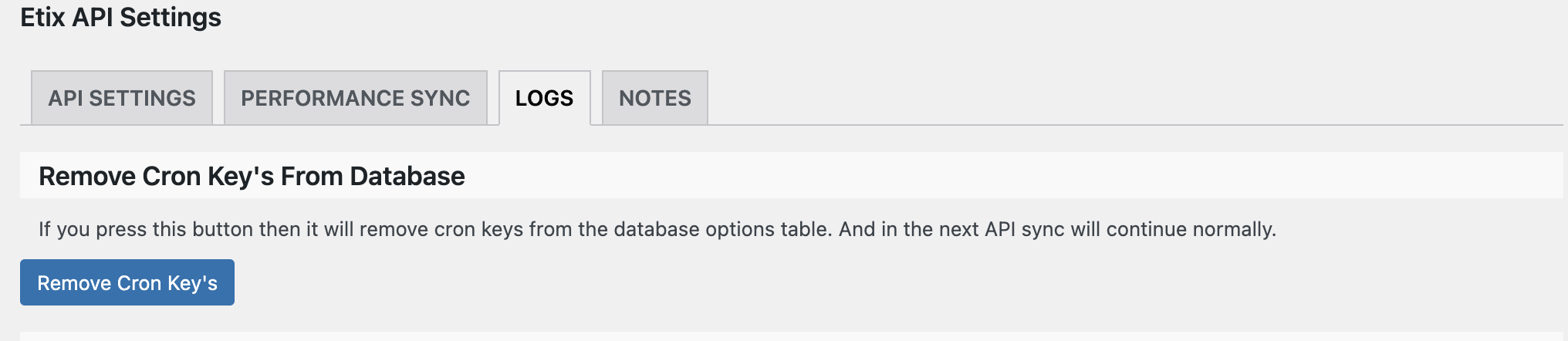
The log file indicates that the API is in a holding or stuck status. This is cleared by pressing the button “Remove Cron Key’s” in the above image.
When this is pressed, a modal window will show asking if you are sure you want to delete, click “Yes”
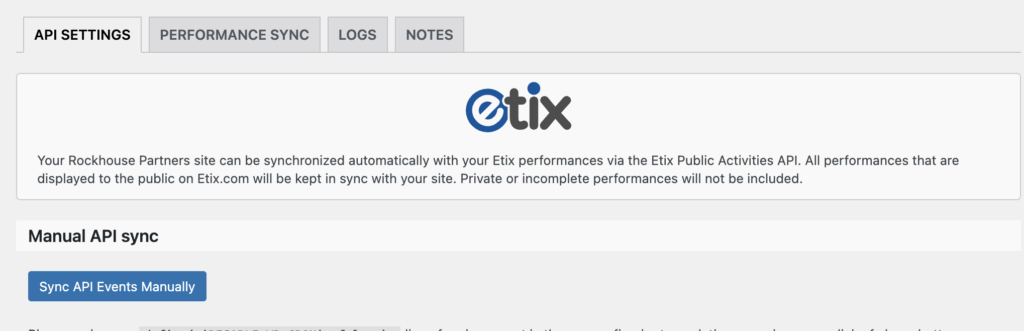
Once this has been pressed, please go back to the first tab (API Settings) and click the button Sync API Events Manually.
This will clear up the bottleneck and bring over any changes that are necessary from Box Office.
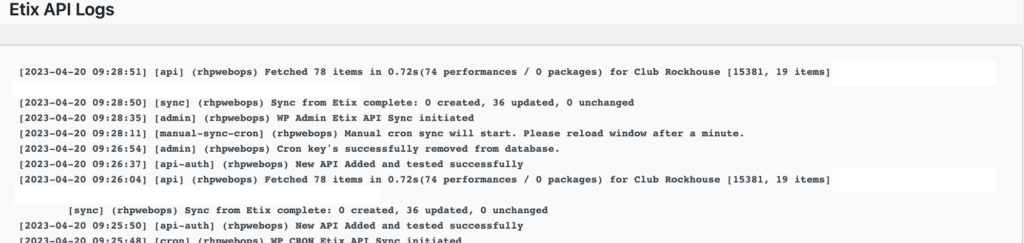
You can then go back to the log tab and you will see that the events have been pulled over. Or you can go to the site and see if the event is there as it should be.