Below you’ll find several reasons why an API built event won’t appear on the front end of your website.
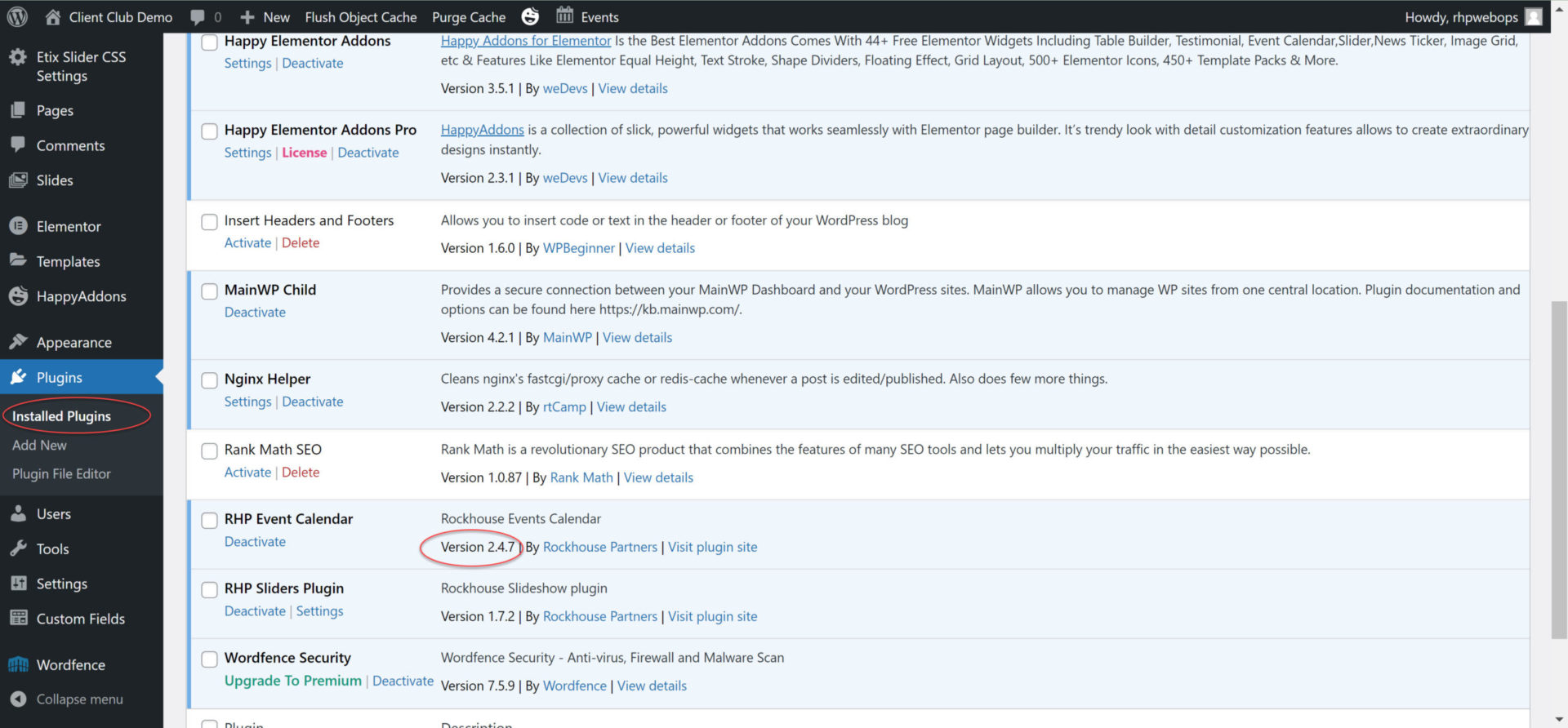
Below you’ll see how to determine which event plugin version is being used.
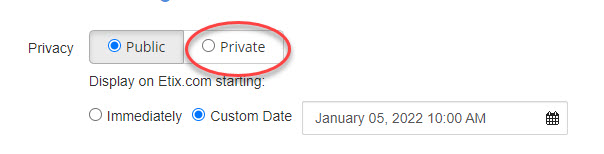
From box office edit performance details.
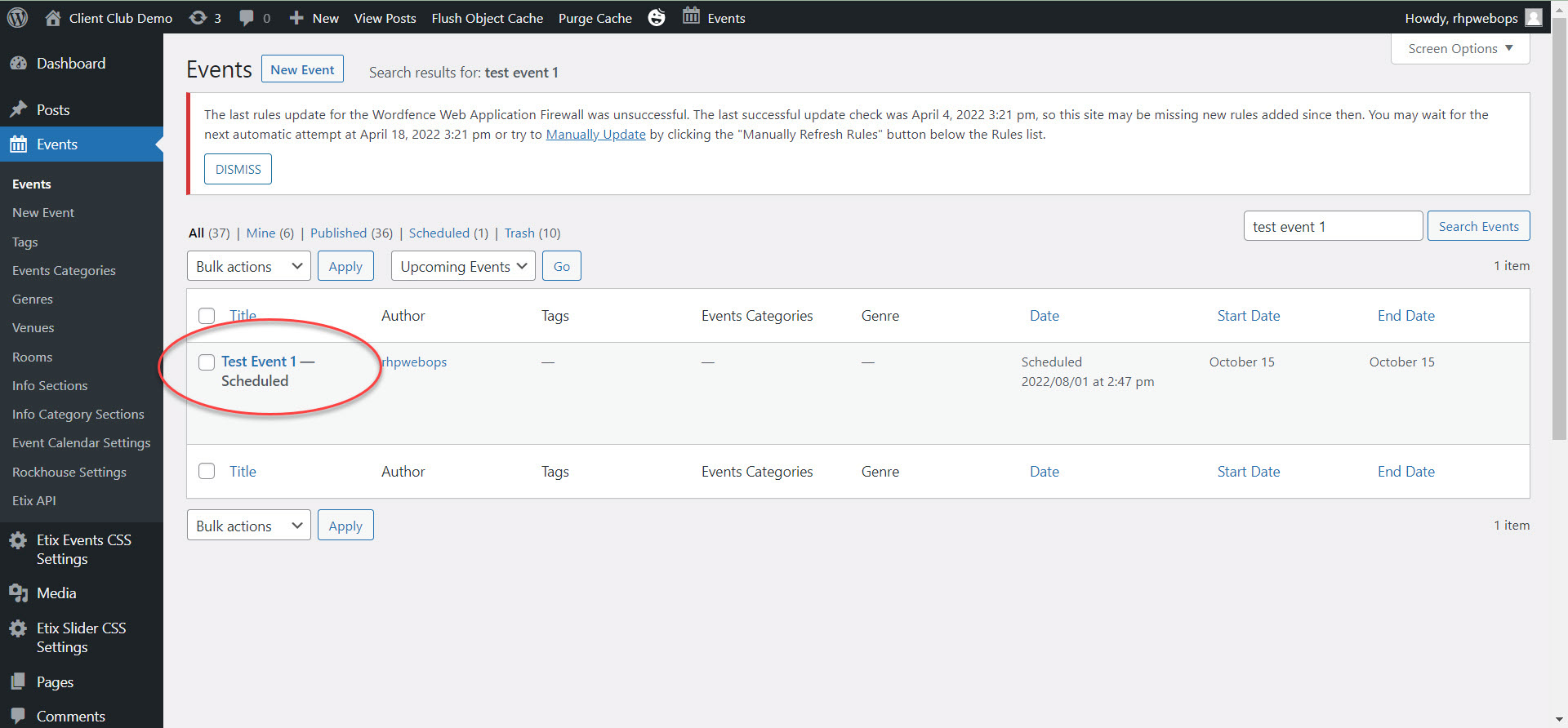
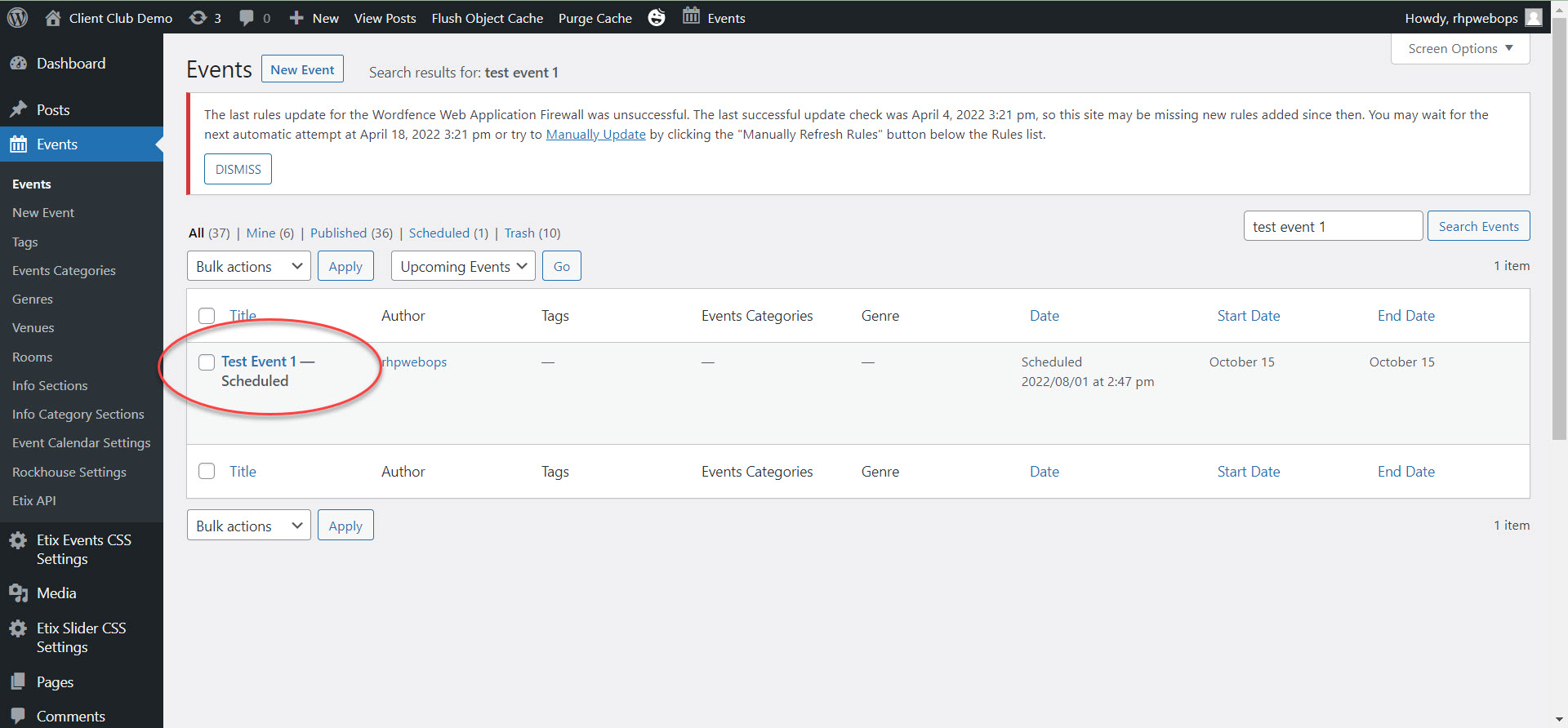
The other way is to see if the event is listed as scheduled in the website dashboard. This option is for event plugin versions greater than 2.4.0
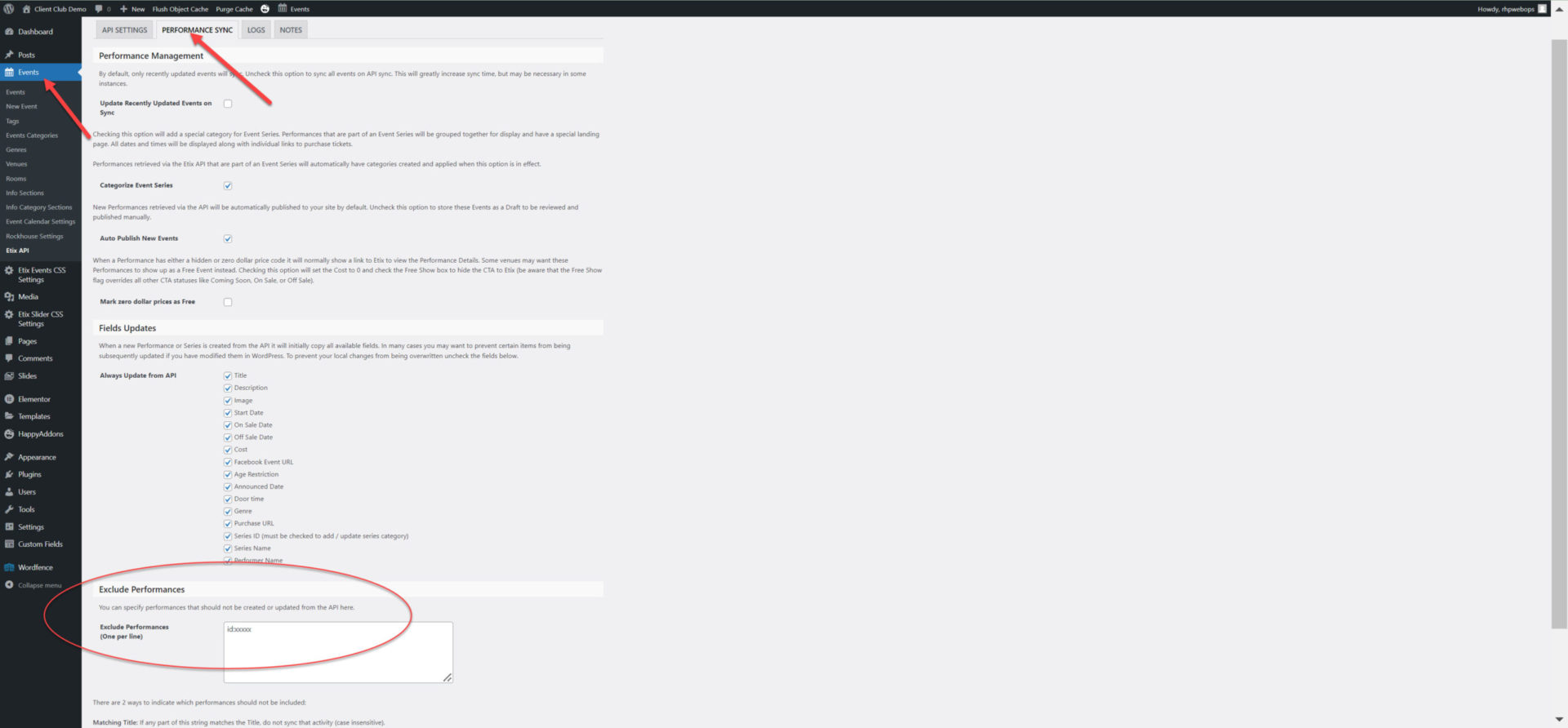
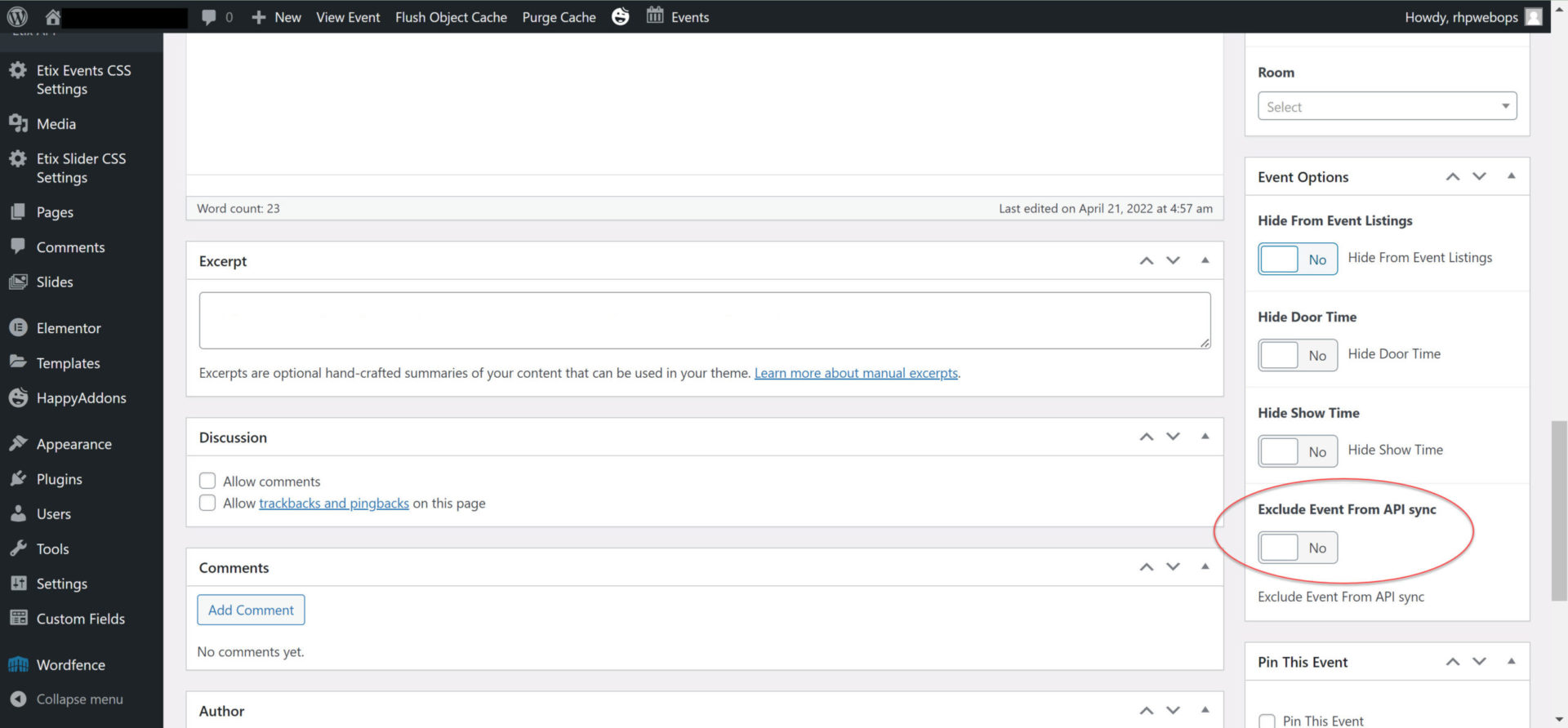
The event can excluded from the API in two places.
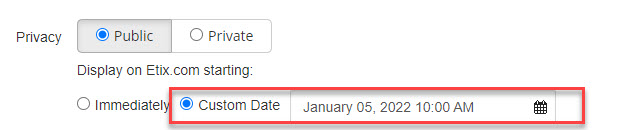
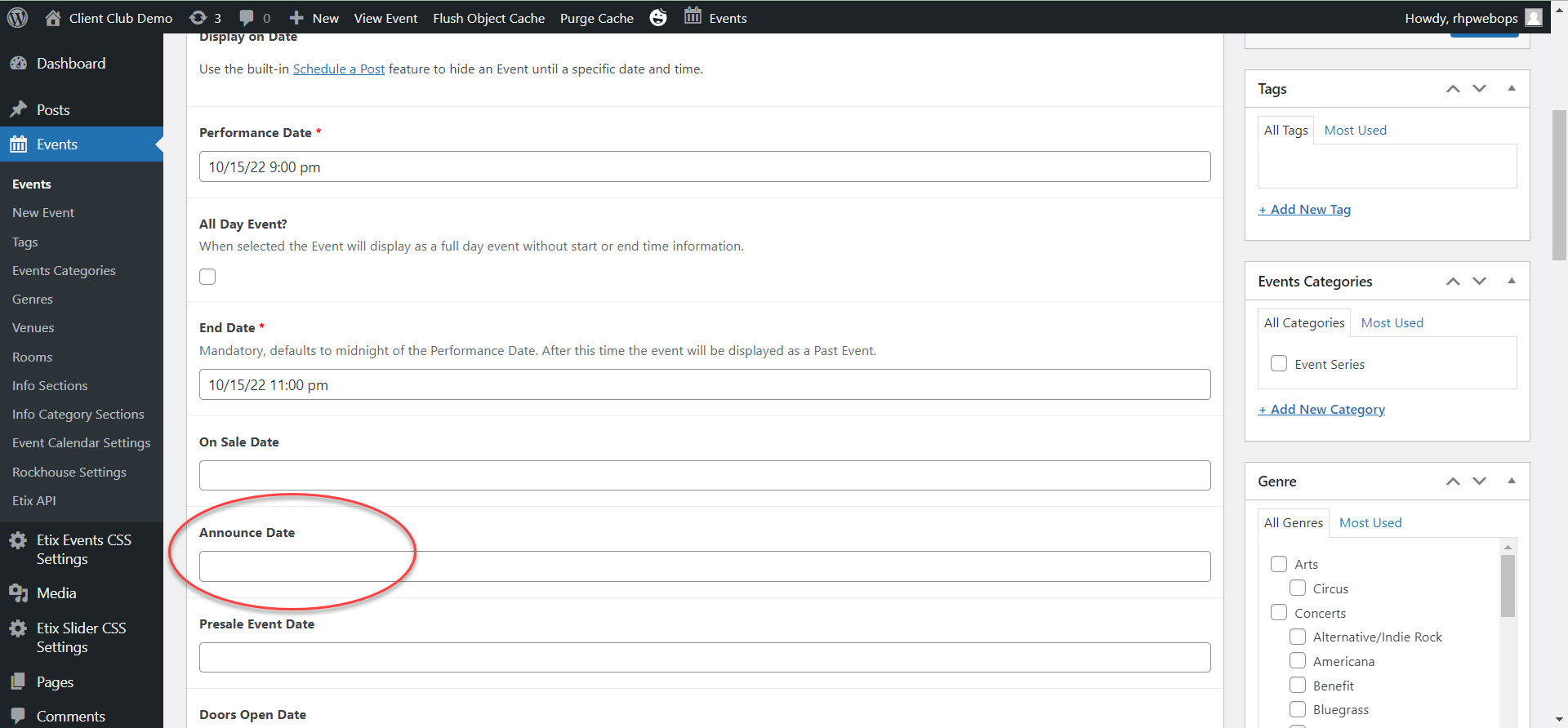
Announce date is the date that the event will show on the front end of the website.
Events > Edit Event > Dates > Announce Date
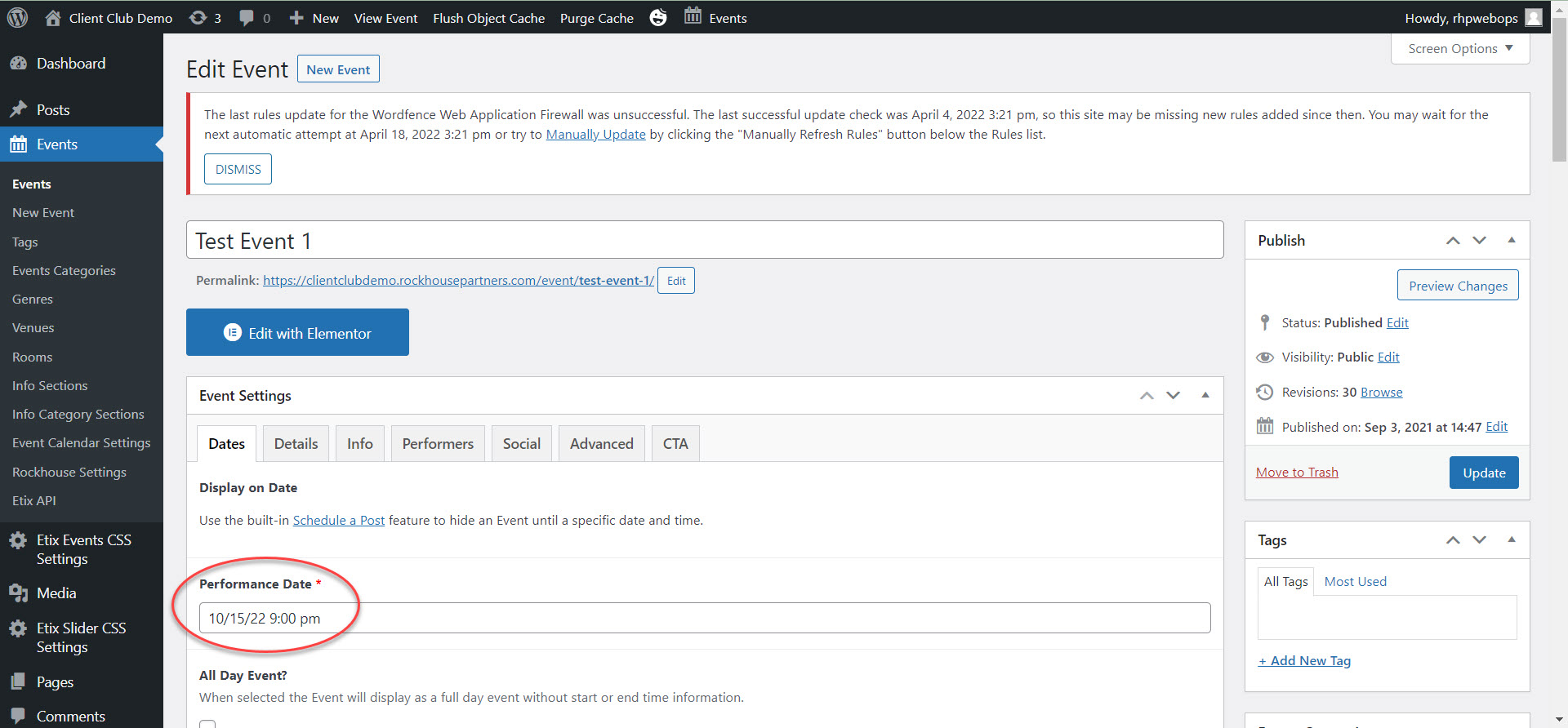
Events > Edit Event
It will not show on the front end of the site if the end date is before the current date.
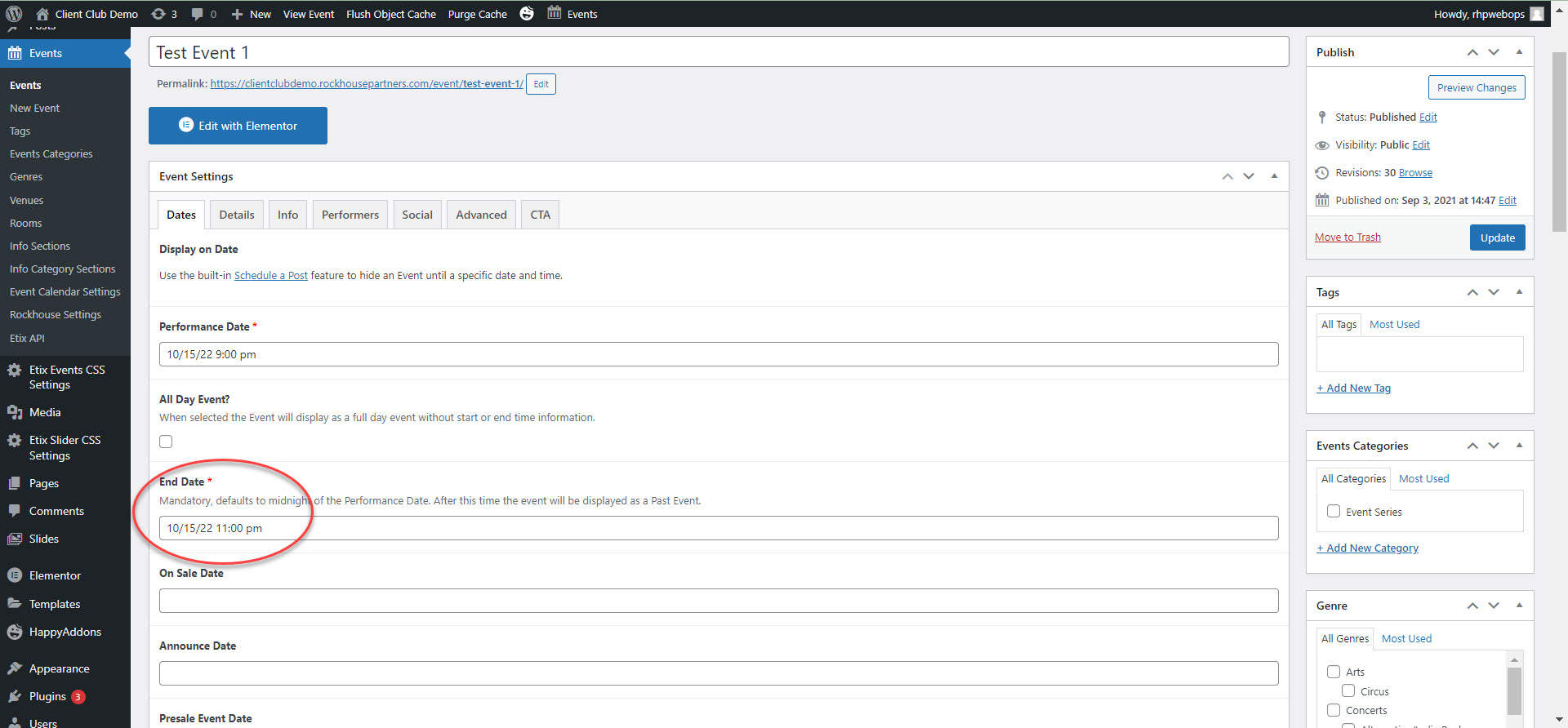
The end date is the date when the event will no longer be shown on the website. API events default to 11:59 PM on the event date.
Events > Edit Event > Dates > End Date
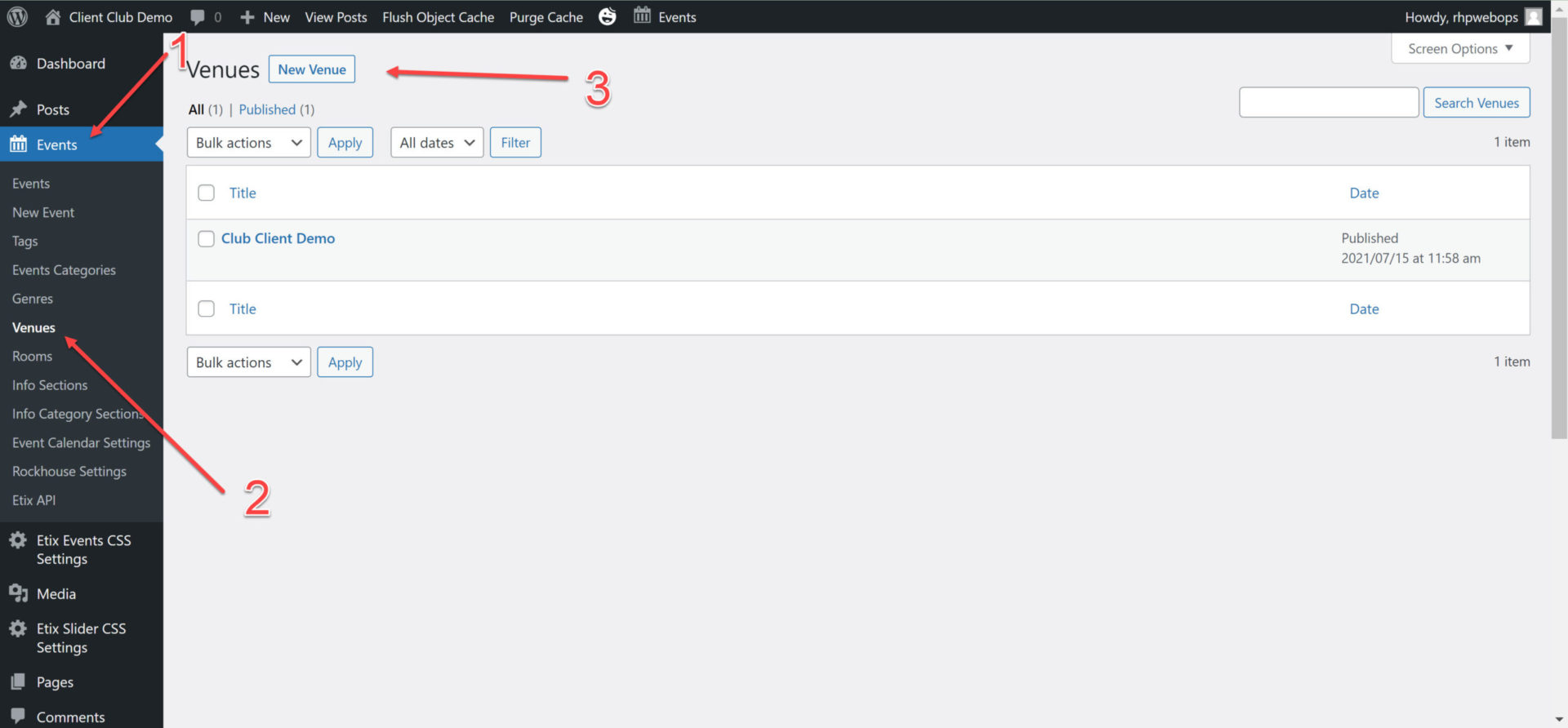
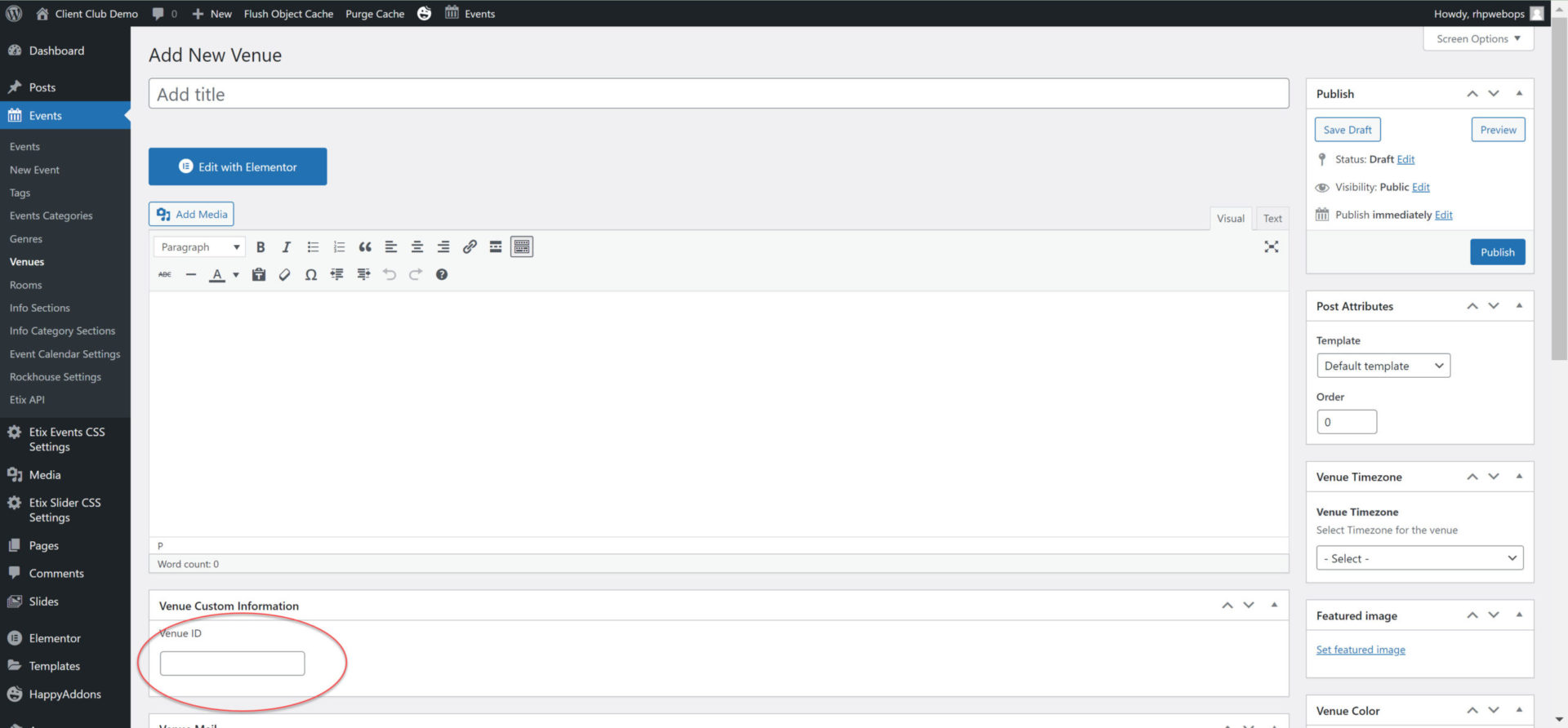
In order for a an event to show up, there needs to be a venue and a venue ID.
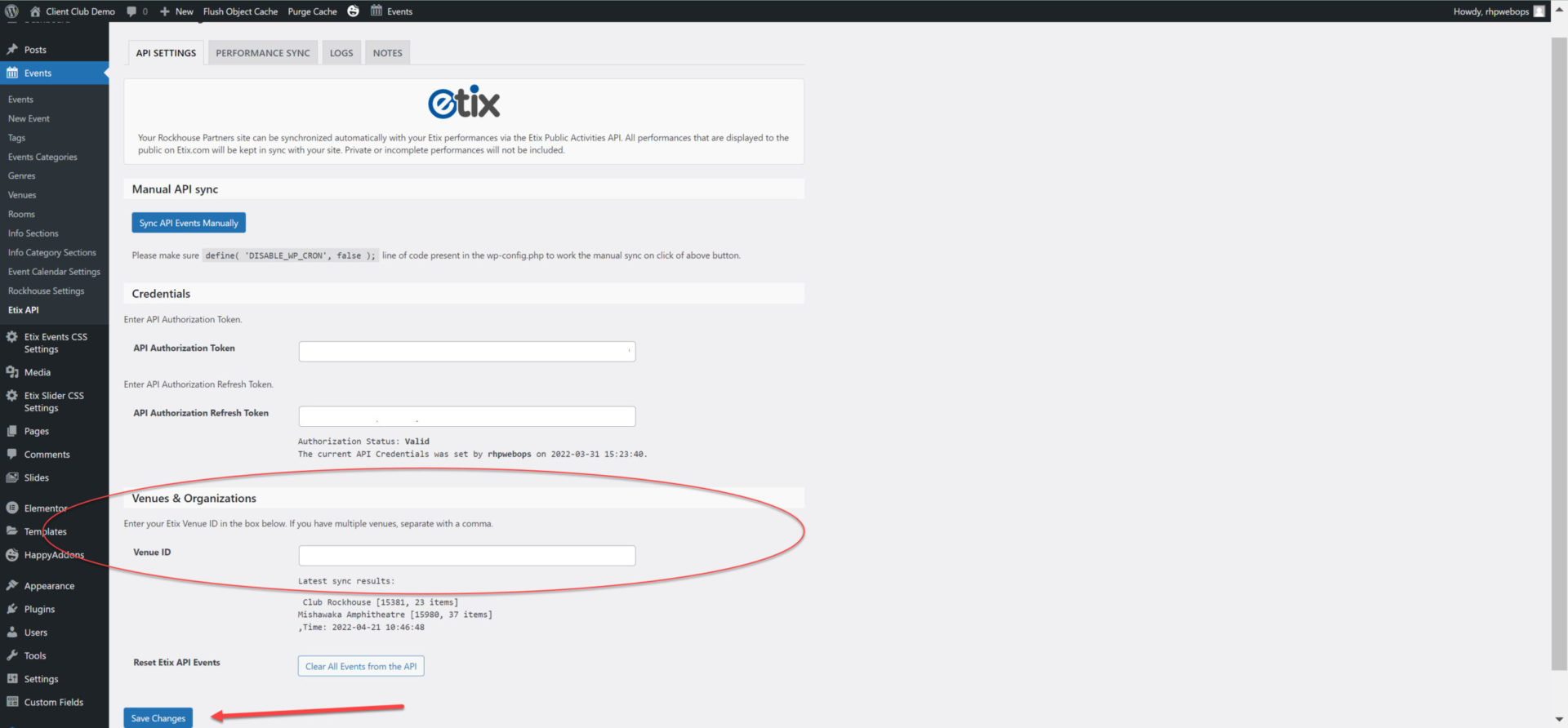
TIP: First add the venue along with the venue ID and other details. Second add the venue ID to the API.
If the above steps aren’t followed your event will show, however, the venue won’t. In order to correct this you will need to do a manual events sync.